
How AI Coding Tools Can Help PHP Developers Work Smarter
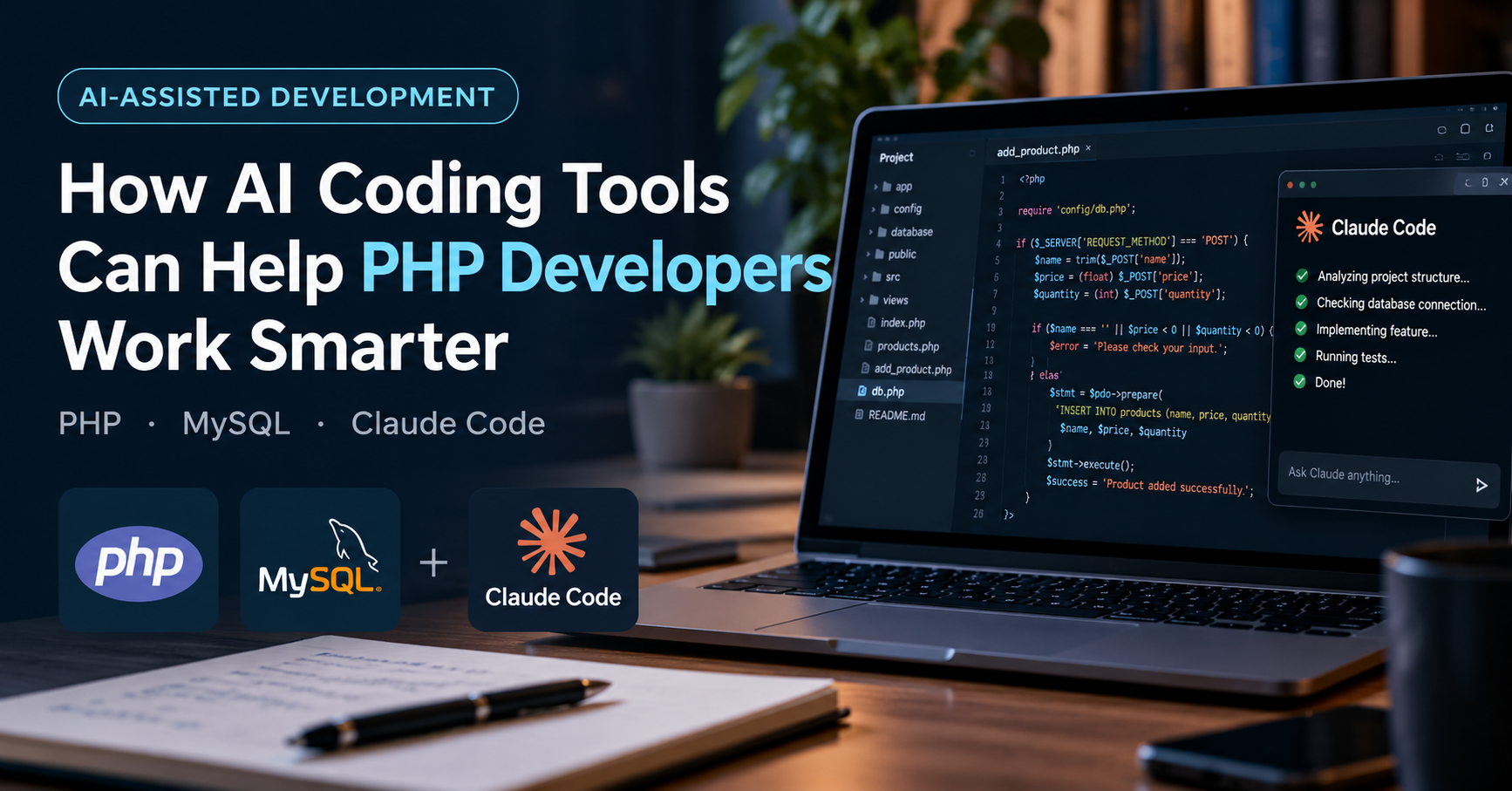
Using AI assistants with PHP and MySQL: practical benefits, real limitations, and a better development workflow.
Software development is not only about writing code. A developer also needs to understand requirements, design databases, find errors, test features, and maintain existing applications.
These tasks can take a lot of time, especially when working on a project with many files and dependencies.
AI coding tools offer a new way to approach some of this work. They can help developers write code, explain unfamiliar functions, review SQL queries, and make changes to existing projects.
For PHP developers who work with MySQL, tools such as ChatGPT, GitHub Copilot, and Claude Code can be useful. However, their value depends on how they are used. Generating code is easy; making sure that code is correct, secure, and suitable for the project is a different task.
1. AI Is More Than a Code Generator
A common way to use AI is to ask it to write a function or solve a programming problem. This can be useful, but it is only one part of the development process.
An AI assistant can also help with:
Understanding an unfamiliar codebase.
Planning a new feature before implementation.
Explaining PHP errors and SQL queries.
Identifying possible security problems.
Suggesting test cases.
Reviewing code and explaining possible improvements.
For example, a developer working on an older PHP application may not fully understand how its database connection, authentication, and business logic are organized. An AI tool can help explain these parts and identify how they relate to one another.
The developer should still verify the explanation against the actual source code. AI tools can misunderstand a project or make assumptions when information is missing.
2. A Practical Example: Adding a Product to a PHP and MySQL Application
Consider a small inventory management system built with PHP and MySQL. The application already stores product information, but it needs a new feature for adding products.
The form contains three fields:
Product name
Price
Quantity
A traditional development workflow would involve inspecting the existing code, checking the database structure, writing the PHP logic, validating input, and testing the result.
An AI coding assistant can help with several of these steps.
Instead of asking it to build the entire application, the developer can provide a clear and limited task.
Example prompt for Claude Code
The following is an example of an instruction that could be given to Claude Code when working inside an existing PHP project:
I have a PHP and MySQL inventory application. First, inspect the project structure and explain how the database connection is handled. Do not modify any files yet.
Then propose a plan for adding a product creation feature. The form should include a product name, price, and quantity. Use PDO prepared statements, validate the input, and follow the existing coding style.
After I review the plan, implement the feature. Explain which files were changed, run the available tests, and identify any remaining manual tests.
This prompt is useful because it defines the task, sets clear requirements, and asks for a plan before making changes.
Claude Code can inspect project files and, depending on its environment and permissions, edit files and run commands. The developer should review its proposed changes before accepting them.
What should the developer check?
After implementation, the work is not finished. Several questions still need answers:
Does the code use the correct database table and column names?
Are prepared statements used correctly?
Is the price validated as a valid number?
Is the quantity a valid non-negative integer?
What happens if the database connection fails?
Does the form handle invalid input clearly?
Do existing application features still work?
This is where programming knowledge matters. An AI tool may produce code that looks correct but fails under certain conditions.
The example above describes a possible workflow, not a claim that this specific feature has been implemented or tested.
3. Writing Better SQL With AI
Database work is another area where AI assistants can be useful.
Suppose an application stores sales in one table and sale items in another. A developer needs a report showing the total sales for each product during a selected period.
An AI assistant can help draft the SQL query, explain the joins, and suggest suitable indexes.
However, the quality of the result depends on the information provided. If the table structure is incomplete, the tool may invent column names or misunderstand the relationships between tables.
A better approach is to provide the relevant schema, explain the expected output, and ask the tool to explain its query before using it.
Generated SQL should be tested against the expected results. For queries that modify data, use a safe development environment rather than experimenting directly on production records.
4. Debugging: Ask for the Cause, Not Just a Fix
When a PHP application fails, it is tempting to paste the error message into an AI tool and ask for corrected code.
A more useful approach is to ask the tool to explain the possible causes and how to distinguish between them.
For example, if a database query fails, provide the exact error message, the relevant code, the table structure, and the behavior you expected.
Then ask:
What are the most likely causes?
What evidence supports each possibility?
What should I check first?
How can I reproduce and test the problem?
This encourages a more systematic debugging process. It also helps the developer understand the underlying issue instead of simply replacing the code and hoping the problem disappears.
AI-generated explanations are not always correct, so each proposed cause should be checked against the application.
5. Security Must Remain a Developer's Responsibility
AI-generated code should never be considered secure simply because it runs successfully.
PHP and MySQL applications still need careful attention to common security risks.
SQL injection: Use prepared statements with parameterized values rather than building SQL queries by concatenating user input.
Input validation: Check that values have the expected format and range. A quantity, for example, should not accept arbitrary text.
Output escaping: Escape data appropriately when displaying user-controlled values in HTML.
Authentication and authorization: Check not only whether a user is logged in, but also whether that user has permission to perform the requested action.
Password handling: Use appropriate password-hashing functions and never store passwords as plain text.
An AI assistant can help review code for these problems, but it cannot guarantee that an application is secure. Developers must review the implementation and test the relevant security controls.
It is also important not to share production credentials, API keys, passwords, or private customer data with AI tools unless the tool and its settings are appropriate for that information.
6. Which AI Coding Tools Should PHP Developers Learn?
There is no need to learn every available tool at once. Start with one that fits your current workflow.
ChatGPT or Claude
These assistants can help explain code, plan features, draft SQL queries, and investigate errors. They are useful when you want to discuss a problem before changing your project.
GitHub Copilot
Copilot provides coding assistance in supported development environments. It can suggest code as you work and offers additional features depending on the product and plan.
Documentation: https://docs.github.com/en/copilot
Claude Code
Claude Code works with project files through a terminal-based workflow. It can help inspect a codebase, plan and implement changes, and run available commands, depending on the environment and permissions.
Documentation: https://code.claude.com/docs/en/overview
These tools have different interfaces, capabilities, limitations, and costs. A developer should compare them based on the tasks they need to perform rather than choosing a tool only because it is popular.
For someone working with PHP and MySQL, a sensible starting point is to use one assistant for a small feature, examine the result carefully, and learn how to give better instructions over time.
7. A Better Workflow for AI-Assisted Development
AI works best when it is part of a controlled development process rather than a replacement for one.
A practical workflow is:
Understand the requirement. Define what the feature should do and what it should not do.
Inspect the existing project. Identify relevant files, database tables, and dependencies.
Ask for a plan. Review the proposed implementation before making changes.
Implement one feature at a time. Smaller tasks are easier to review and test.
Review the code. Check logic, security, error handling, and consistency with the project.
Run tests. Test expected behavior as well as invalid input and failure cases.
Use Git. Review changes and keep a way to return to a known working version.
This process makes it easier to identify mistakes and understand what changed.
The goal is not to accept every suggestion from an AI tool. The goal is to use its assistance while maintaining control over the software.
Conclusion
AI coding tools can help PHP and MySQL developers with code generation, database queries, debugging, and changes to existing projects. They can also help developers understand unfamiliar code and explore possible solutions.
But faster code generation does not automatically mean better software. The final result still depends on clear requirements, sound database design, secure implementation, and proper testing.
Developers do not need to become AI experts before getting started. They can begin with a small task, use one tool, review the result, and learn from the process.
AI can assist with writing code, but developers remain responsible for understanding, testing, and maintaining what they build.